DISTANCE MEASUREMENT (Using Arduino)
Here we are going to learn how to measure the distance between tow particle using Arduino and Ultrasonic sensor, without using any scales.
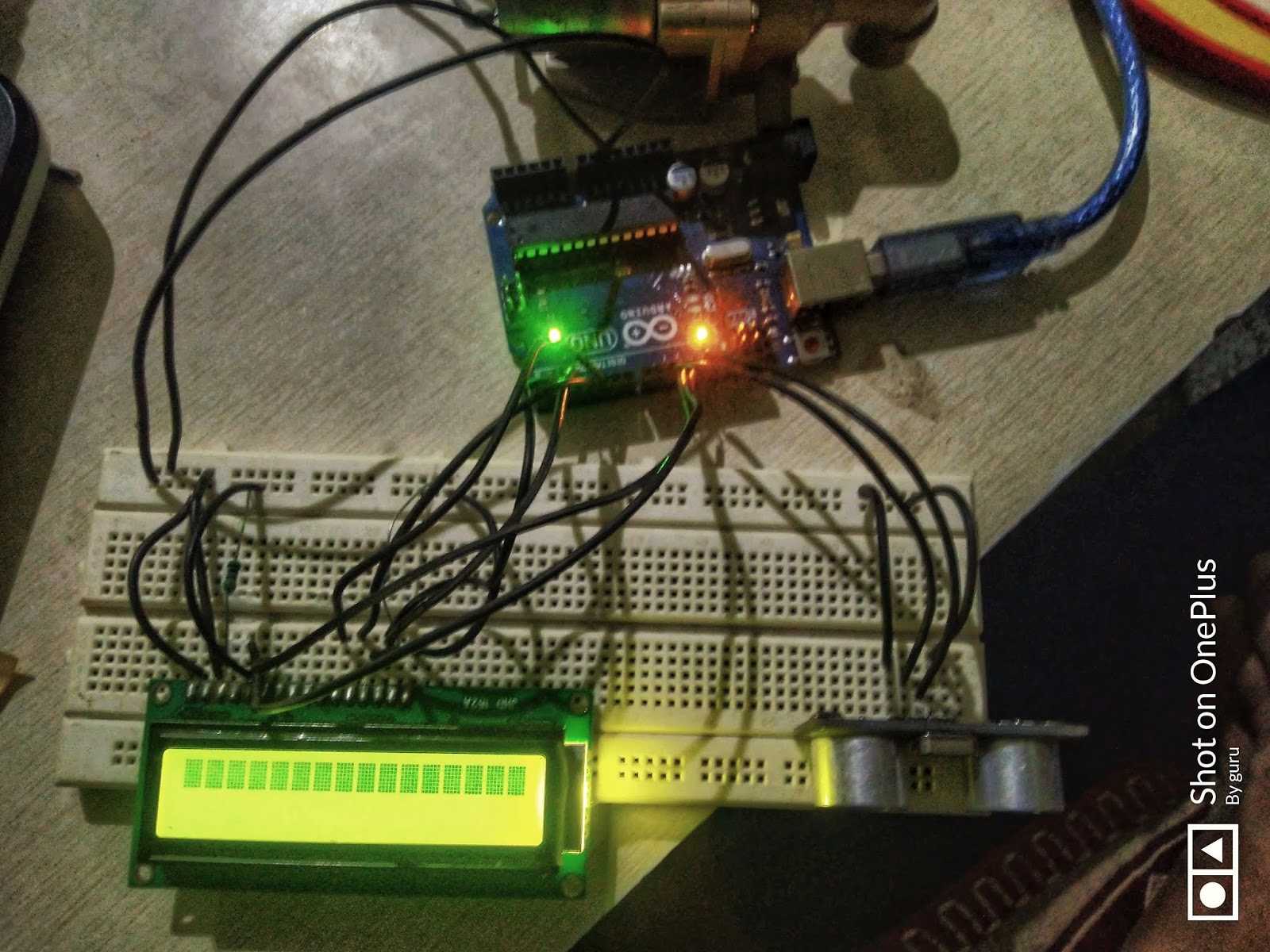
This is an efficient way to measure small distances precisely. In this project we have used an Ultrasonic Sensor to determine the distance of an obstacle from the sensor.
Components Used :
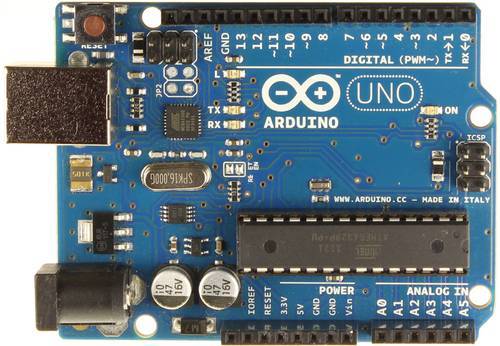
- Arduino Uno
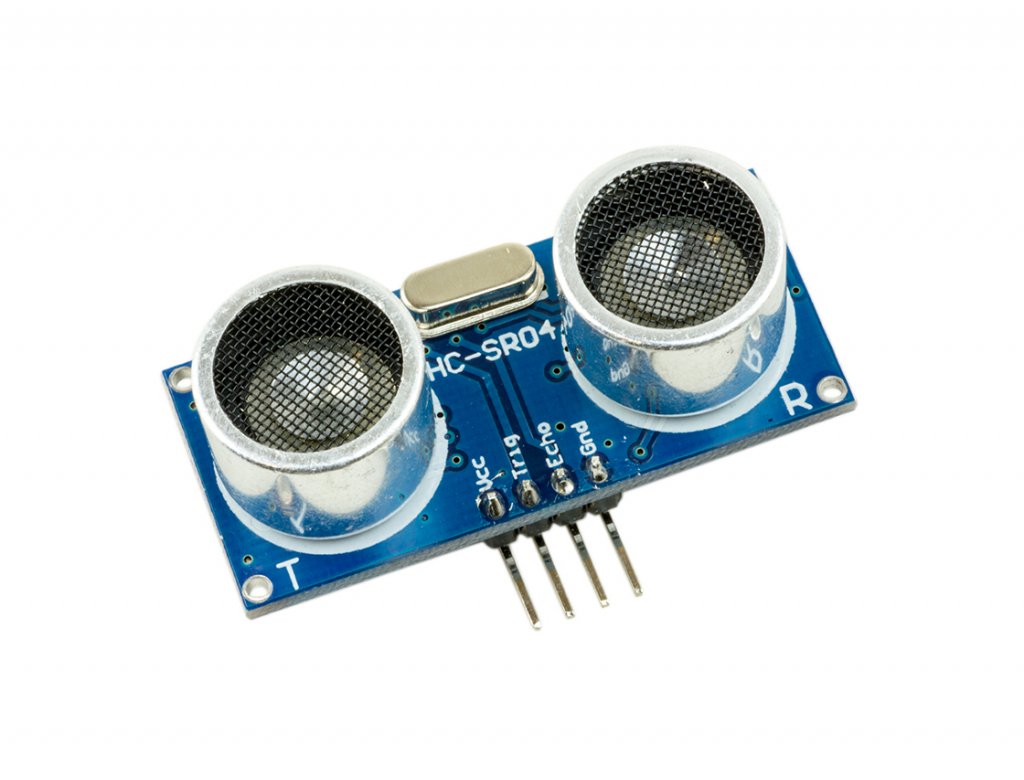
- Ultrasonic sensor Module
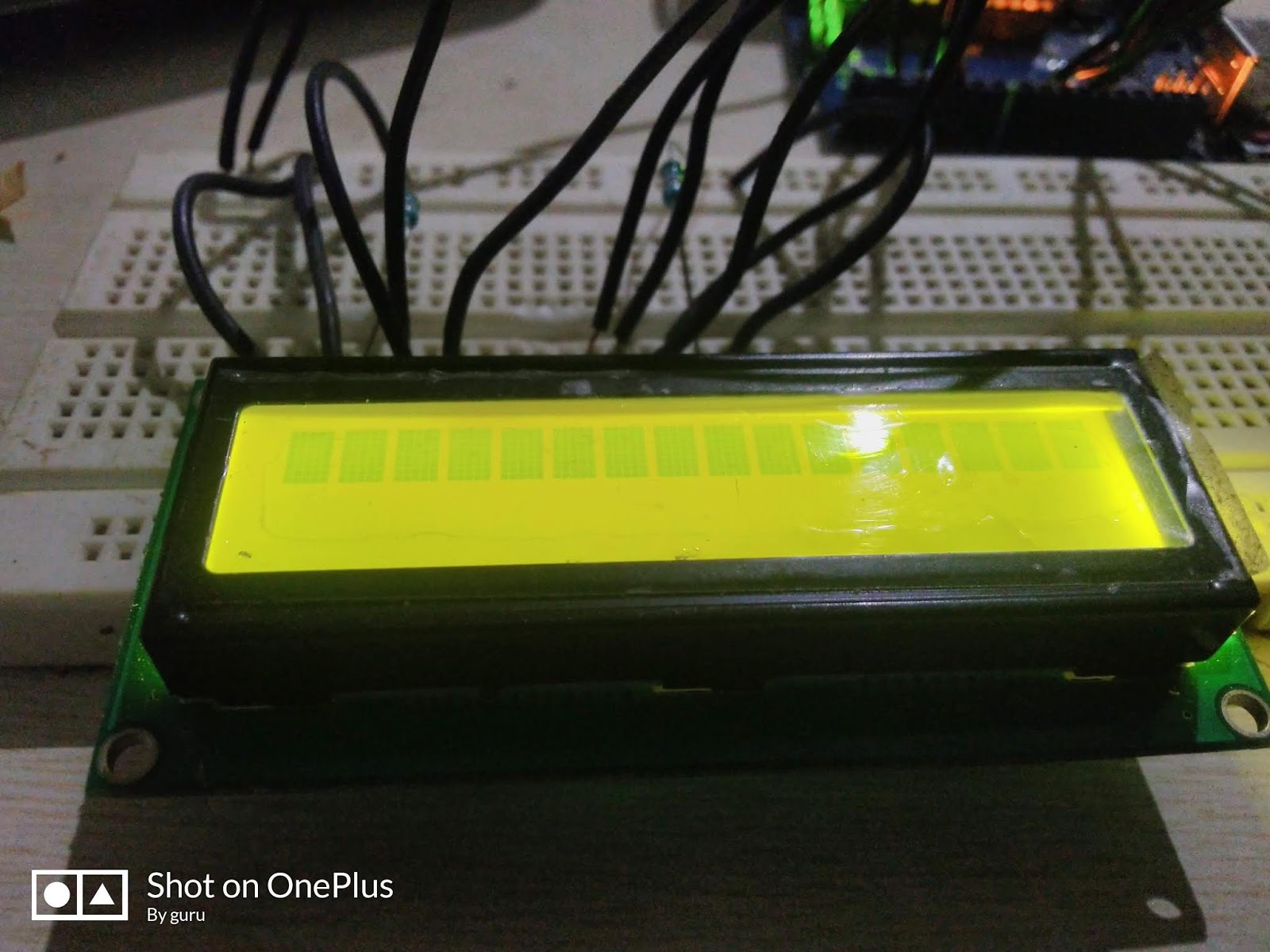
- 16×2 LCD
- Scale
- Bread board
- 9 volt battery
- Connecting wires
Circuit Daigram

Ultrasonic sensor:
Ultrasonic sensor HC-SR04 is used here to measure distance in range of 2cm-400cm with accuracy of 3mm. The sensor module consists of ultrasonic transmitter, receiver and the control circuit.
The working principle of the Ultrasonic sensor
- High level signal is sent for 10us using Trigger.
- The module sends eight 40 KHz signals automatically, and then detects whether pulse is received or not.
- If the signal is received, then it is through high level. The time of high duration is the time gap between sending and receiving the signal.
The formula to calculate the distance between two particle is,
Distance= [(Time x Speed of Sound in Air (340 m/s))/2].
- Arduino
- 16*2 LED crystal display
Codes for Arduino :
/*
* Ultrasonic Sensor HC-SR04 and Arduino Tutorial
*
* by Gururaj L B
*https://electrotechgk.blogspot.com/
*
*/
#include <LiquidCrystal.h>
#define trigger 18
#define echo 19
LiquidCrystal lcd(2,3,4,5,6,7);
float time=0,distance=0;
void setup()
{
lcd.begin(16,2);
pinMode(trigger,OUTPUT);
pinMode(echo,INPUT);
lcd.print(” Ultra sonic”);
lcd.setCursor(0,1);
lcd.print(“Distance Meter”);
delay(2000);
lcd.clear();
lcd.print(” Circuit Digest”);
delay(2000);
}
void loop()
{
lcd.clear();
digitalWrite(trigger,LOW);
delayMicroseconds(2);
digitalWrite(trigger,HIGH);
delayMicroseconds(10);
digitalWrite(trigger,LOW);
delayMicroseconds(2);
time=pulseIn(echo,HIGH);
distance=time*340/20000;
lcd.clear();
lcd.print(“Distance:”);
lcd.print(distance);
lcd.print(“cm”);
lcd.setCursor(0,1);
lcd.print(“Distance:”);
lcd.print(distance/100);
lcd.print(“m”);
delay(1000);
}
 emgo.tech.blog